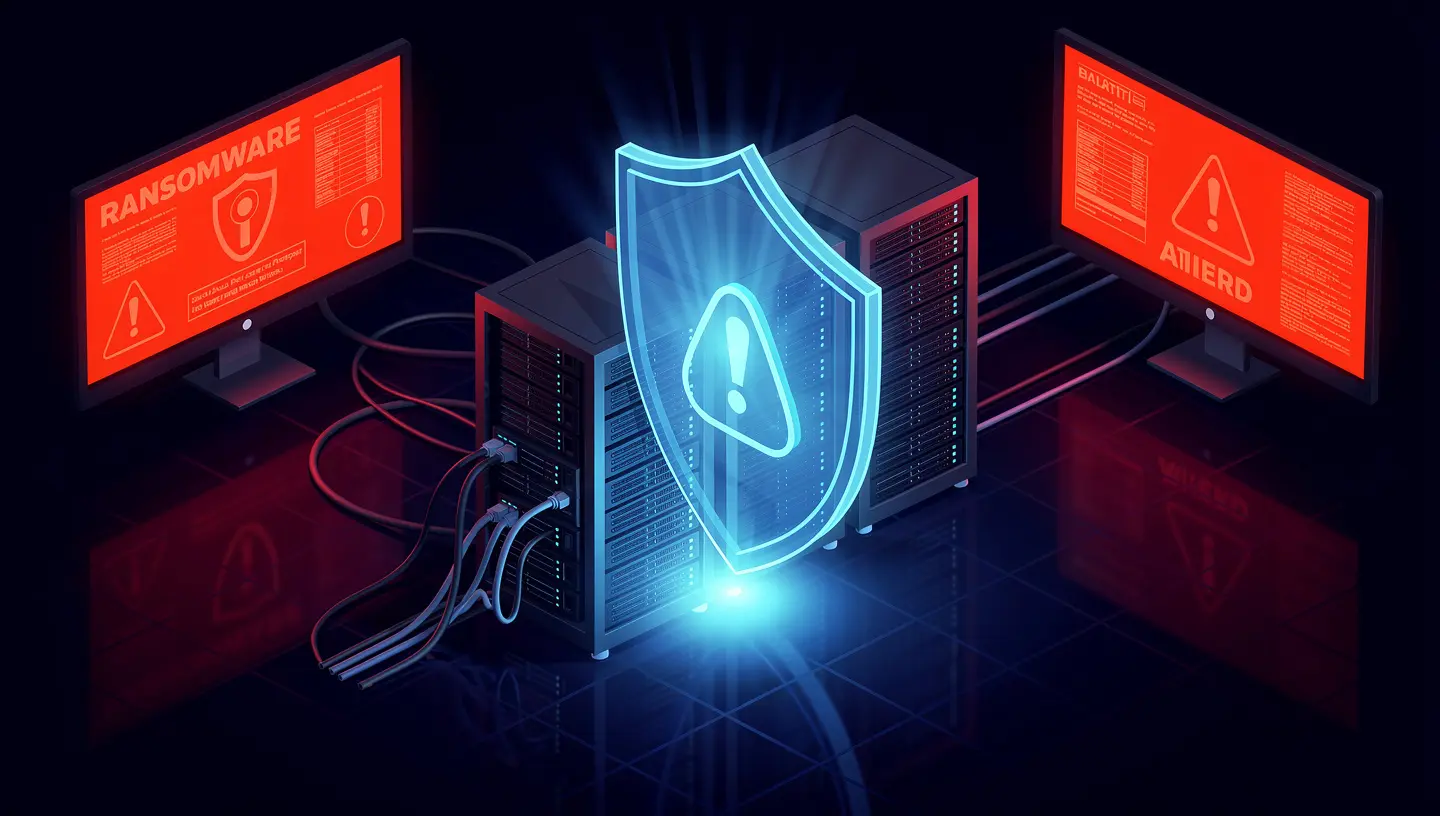
It starts with one employee clicking a link in what looks like a vendor invoice. Within minutes, files across the network are encrypting. Servers go offline. The ransom note appears on every screen.
The attacker gives you 72 hours to pay — or lose everything.
This isn’t a hypothetical. Ransomware attacks on small and mid-sized businesses in the Bay Area and across California have surged over the past three years. And the hard truth is that most small businesses that experience a serious ransomware attack without a tested backup strategy don’t recover. According to FEMA, 40% of businesses never reopen after a disaster — and ransomware is increasingly that disaster.
The difference between paying a ransom and restoring from backup in four hours comes down to decisions made before the attack.
Why Ransomware Targets Small Businesses
Large enterprises make headlines, but small businesses are increasingly the primary target. The reasoning is straightforward from an attacker’s perspective:
- Smaller security budgets mean weaker defenses
- Less IT oversight means attacks go undetected longer
- Higher desperation means more willingness to pay quickly
- Less likely to have tested backups means the ransom is genuinely the only option
Modern ransomware attacks are also no longer just about encrypting your files. Today’s attackers use a double extortion model: they encrypt your data and exfiltrate a copy, threatening to publish sensitive customer data, financial records, or intellectual property if you don’t pay. This means even a perfect backup restoration doesn’t fully resolve the breach.
The best protection is a combination of prevention, rapid detection, and a recovery plan that doesn’t depend on the attacker’s cooperation.
The 3-2-1-1 Backup Rule
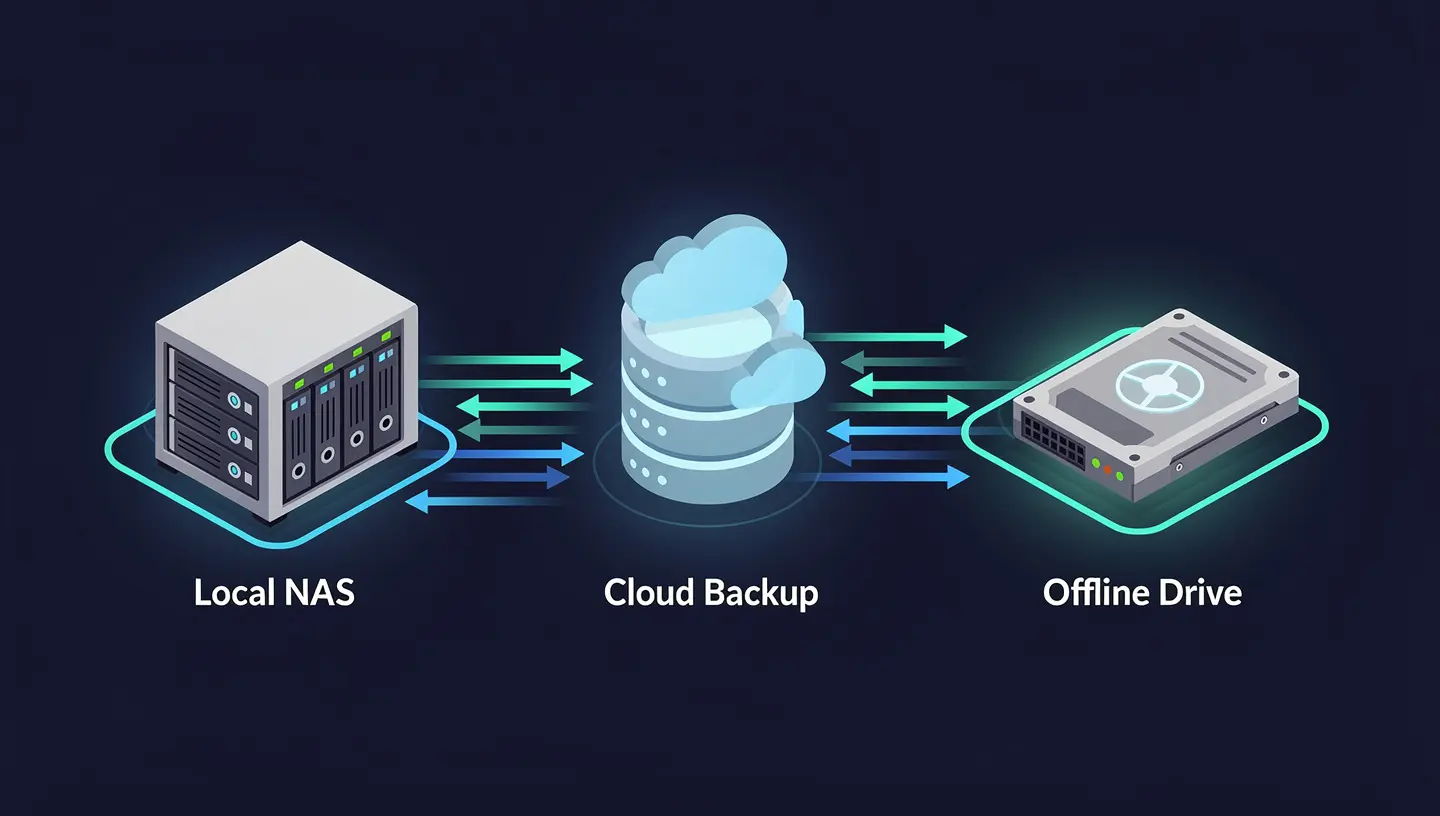
The classic 3-2-1 backup rule has been the industry standard for years. Given the ransomware threat landscape, it’s been updated to 3-2-1-1:
| Component | What It Means |
|---|---|
| 3 copies of your data | Primary + 2 backups |
| 2 different storage media | e.g., local NAS + cloud |
| 1 offsite copy | Cloud or remote location |
| 1 air-gapped or immutable copy | Cannot be encrypted or deleted by ransomware |
The fourth “1” — the air-gapped or immutable copy — is the critical addition that ransomware made necessary. Modern ransomware variants specifically target backup systems. If your backup solution is network-accessible, it can be encrypted along with everything else.
Immutable backups are copies that cannot be modified or deleted for a defined retention period, even by an administrator. Cloud providers including AWS (S3 Object Lock), Azure (Immutable Blob Storage), and Backblaze B2 offer this capability. Once a backup is written with immutability enabled, ransomware cannot touch it.
The Four Tiers of a Ransomware-Resilient Backup Strategy
Tier 1 — Local Backup (Speed)
A local backup to a NAS device or external storage gives you the fastest restore times for common scenarios: accidental deletion, a failed update, a corrupted database. Recovery can happen in minutes.
The ransomware caveat: Local backups that are always network-connected are vulnerable. Options to mitigate this include:
- Disconnecting the backup device after each backup job
- Using a NAS with ransomware detection built in (Synology ActiveProtect, QNAP, etc.)
- Keeping local backups on a separate VLAN with no access from workstations
Tier 2 — Cloud Backup (Resilience)
Cloud backup provides offsite protection and is the workhorse of most small business BDR strategies. Solutions like Veeam, Acronis, Datto, and Backblaze for Business provide automated, scheduled backups with cloud retention.
Key features to look for:
- Immutable retention — backups locked for a defined period
- Versioning — multiple restore points so you can roll back before the infection
- Encryption in transit and at rest — your data is protected from the provider too
- Ransomware detection — some solutions scan backup data for encryption patterns
Tier 3 — Disaster Recovery as a Service (DRaaS)
For businesses that can’t tolerate extended downtime, Disaster Recovery as a Service takes backup a step further by maintaining a warm copy of your entire environment — servers, applications, and data — that can be spun up in the cloud within minutes of a failure.
Instead of restoring from backup (which can take hours or days for large environments), DRaaS lets you failover to a running replica of your infrastructure while the primary environment is recovered.
This is particularly relevant for Bay Area startups running SaaS products or customer-facing applications where downtime directly translates to lost revenue and customer trust.
Tier 4 — Tested Recovery Procedures
This tier is not a product — it’s a process. And it’s the one most businesses skip.
A backup you’ve never tested is not a backup. It’s a hypothesis.
Backup media fails. Restore procedures break after software updates. Recovery time estimates are almost always wrong the first time you actually run them. The only way to know your backup strategy works is to restore from it — regularly, intentionally, in a controlled environment.
A minimum tested recovery cadence for small businesses:
- Monthly — restore a single file or folder from each backup tier
- Quarterly — full server or VM restore to an isolated test environment
- Annually — full tabletop disaster recovery exercise with documented RTO/RPO validation
RTO and RPO: The Two Numbers That Define Your Recovery Strategy
Before choosing tools, you need to define your tolerance for downtime and data loss.
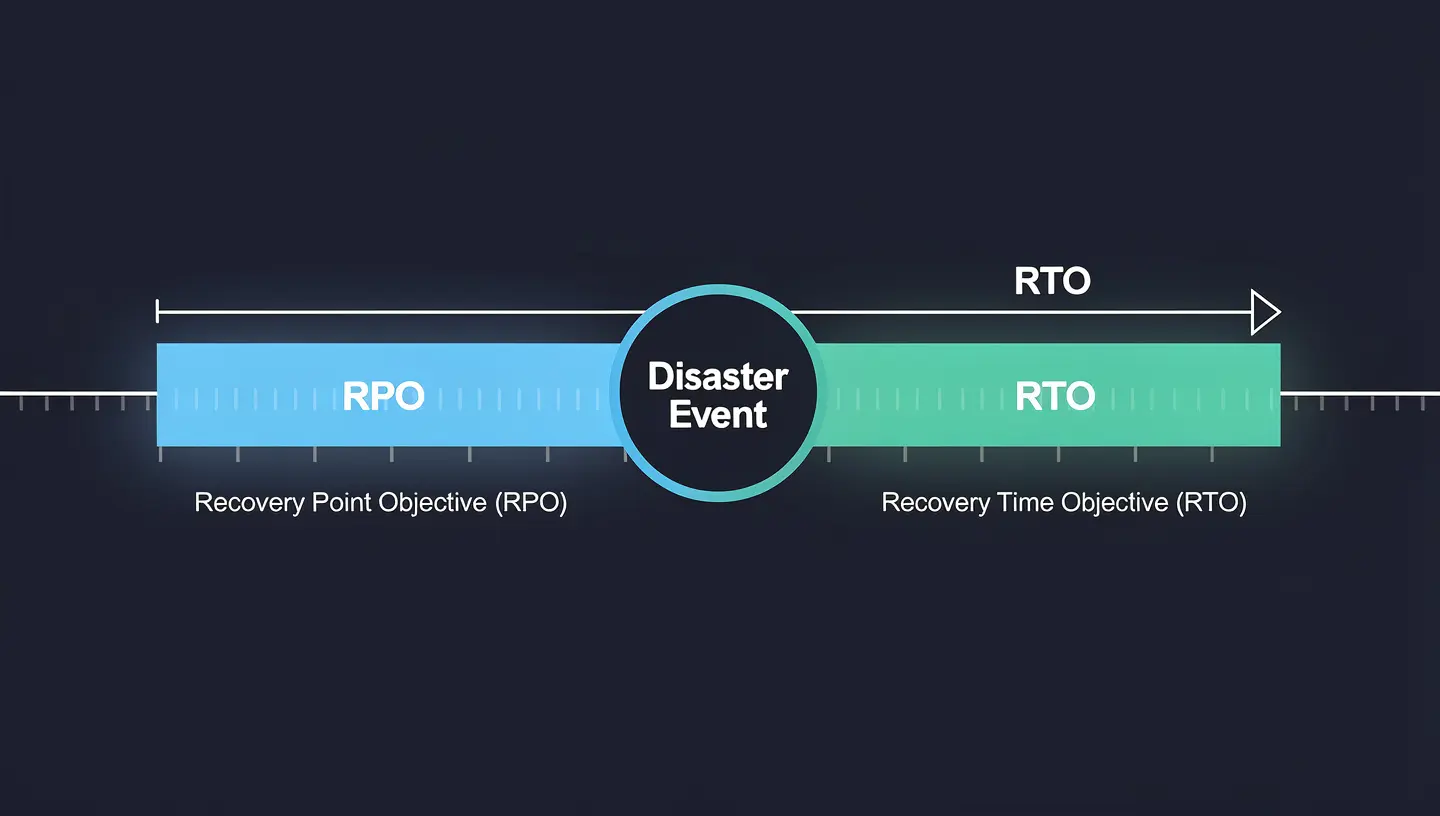
Recovery Time Objective (RTO) — How long can your business be down before it causes serious harm? 4 hours? 24 hours? This drives your choice of recovery technology.
Recovery Point Objective (RPO) — How much data can you afford to lose? If your RPO is 1 hour, you need backups running at least hourly. If it’s 24 hours, daily backups may be sufficient.
| Business Type | Typical RTO | Typical RPO | Recommended Approach |
|---|---|---|---|
| SaaS startup | < 1 hour | < 15 min | DRaaS + continuous replication |
| E-commerce / retail | 2–4 hours | 1 hour | Cloud BDR with hourly snapshots |
| Professional services | 4–8 hours | 4 hours | Cloud backup with versioning |
| Small office / admin | 24 hours | 24 hours | Daily cloud backup + local NAS |
Most small businesses have never explicitly defined their RTO and RPO. When a ransomware attack happens, that’s when they discover the gap — usually painfully.
What Happens During a Ransomware Attack — Step by Step
Understanding the attack sequence helps you see exactly where backup and recovery intervenes.
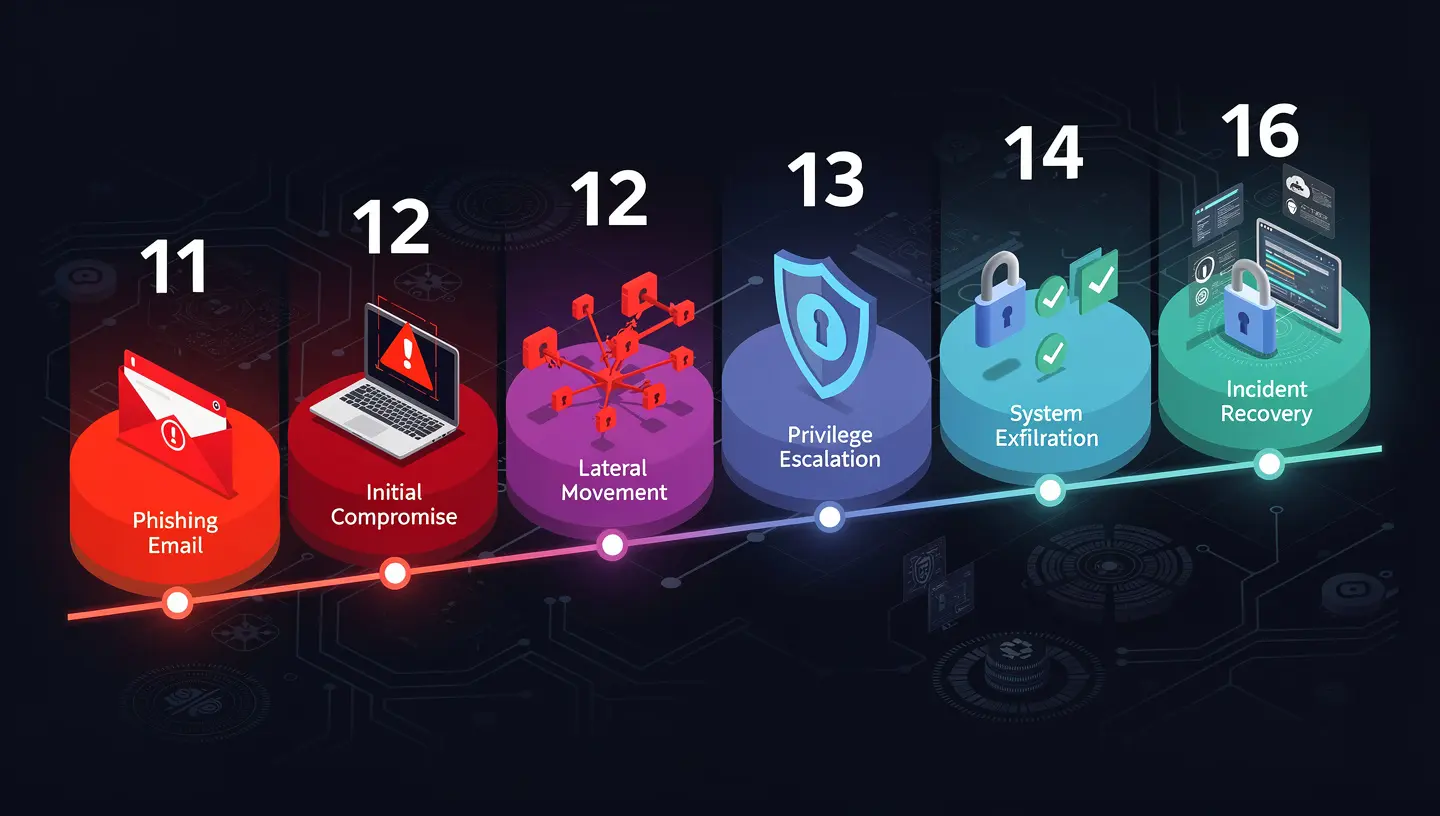
- Initial access — Phishing email, exposed RDP port, compromised credentials, or unpatched vulnerability
- Lateral movement — Attacker explores the network, escalates privileges, identifies backup systems
- Backup targeting — Attacker deletes or encrypts accessible backup copies (this is why air-gapping matters)
- Encryption trigger — Ransomware deploys across the network, files encrypt rapidly
- Ransom demand — Note appears, clock starts
- Detection — IT or a user notices something is wrong (often hours after step 4)
- Containment — Infected systems isolated from the network
- Recovery decision — Pay, or restore from backup
If you have immutable, tested backups at step 8, the recovery path is clear. You restore to the last clean restore point, reimage affected machines, and resume operations. If you don’t, the choice is between paying an attacker (with no guarantee of decryption) or losing your data entirely.
The Tools Worth Knowing About
For small businesses (1–50 employees):
- Backblaze B2 + Veeam — Cost-effective cloud backup with immutability support
- Acronis Cyber Protect — Integrated backup + ransomware detection + endpoint protection
- Synology ActiveProtect — Local NAS with built-in cloud backup and ransomware scanning
For growth-stage startups (50–200 employees):
- Datto SIRIS — Purpose-built BDR appliance with instant virtualization and cloud DR
- Veeam + Wasabi — Enterprise-grade backup with low-cost immutable cloud storage
- Zerto — Continuous data protection with near-zero RPO, ideal for SaaS workloads
For AWS-native environments:
- AWS Backup with S3 Object Lock for immutability
- AWS Elastic Disaster Recovery for server failover
- Snapshot policies on EC2, RDS, and EFS with cross-region replication
The Ransomware Readiness Checklist
Before your next board meeting or investor conversation, run through this:
- Do you have at least 3 copies of critical data across 2 different media types?
- Is at least one backup copy immutable or air-gapped?
- Are backup jobs running automatically and completing successfully (check the logs)?
- Have you restored from backup in the last 90 days?
- Do you know your RTO and RPO for each critical system?
- Are backup admin credentials separate from your regular admin credentials?
- Is your backup solution excluded from being accessible by standard user accounts?
- Do you have a written incident response plan that includes ransomware?
- Are endpoint detection tools monitoring for ransomware behavior patterns?
- Do you have cyber liability insurance that covers ransomware recovery costs?
If you checked fewer than 7 of these, your backup posture has gaps that a ransomware attack would exploit.
How LineSight Digital Can Help
Backup and disaster recovery is one of the most underinvested areas in small business IT — until it isn’t, and by then it’s too late.
LineSight Digital helps Bay Area startups and small businesses design, implement, and test BDR strategies that match their actual risk tolerance and budget:
- BDR assessment — Audit your current backup posture against the 3-2-1-1 rule and ransomware threat model
- Backup solution design and implementation — Right-sized for your environment, from Backblaze + Veeam to Datto SIRIS
- Immutable cloud backup configuration — AWS S3 Object Lock, Backblaze B2, or Wasabi with proper retention policies
- Recovery testing — Scheduled, documented restore tests so you know your backups actually work
- Incident response planning — Written runbooks so your team knows exactly what to do at 2am when the ransom note appears
- Managed IT — Ongoing monitoring, patch management, and backup health checks as part of a monthly retainer
If you’d like a no-obligation BDR assessment, reach out via the contact form or connect with me on LinkedIn.
Related Posts
- Why Your Startup’s Emails Are Landing in Spam — And How to Fix It with SPF, DKIM, and DMARC
- Microsoft 365 Security Baselines for Small Businesses — What Actually Matters
- Is Your S3 Bucket Leaking Customer Data Right Now?
Suresh Chand is the Founder & Managing Consultant of LineSight Digital, an IT managed services and consulting firm serving startups and small businesses in the San Jose / Silicon Valley / Bay Area.