You’ve finally sent that important investor update, onboarding email, or customer invoice — and it silently ends up in spam. No bounce. No error. Just silence.
For Bay Area startups, this isn’t just a nuisance. It’s a trust problem, a revenue problem, and increasingly, a security problem. Attackers who discover your domain lacks proper email authentication can send phishing emails that look like they came from you — your CEO, your billing team, your HR department.
The good news: this is entirely fixable. The fix has three parts, each one building on the last: SPF, DKIM, and DMARC.
The Problem: Your Domain Is an Open Door
When someone sends an email, they can put anything in the “From” field. Without authentication records in your DNS, there’s nothing stopping a bad actor from sending a message that reads From: [email protected] — even if they’ve never touched your mail server.
This is called email spoofing, and it’s behind the majority of business email compromise (BEC) attacks. According to the FBI, BEC scams cost U.S. businesses over $2.9 billion in a single year — and small, fast-growing companies with loose IT configurations are disproportionately targeted.
Even if you’re not under attack, missing authentication records cause receiving mail servers (Gmail, Outlook, etc.) to distrust your messages and route them to junk — throttling your sales, support, and transactional email alike.
The Three Layers of Email Authentication
Think of these three protocols as a layered defense:
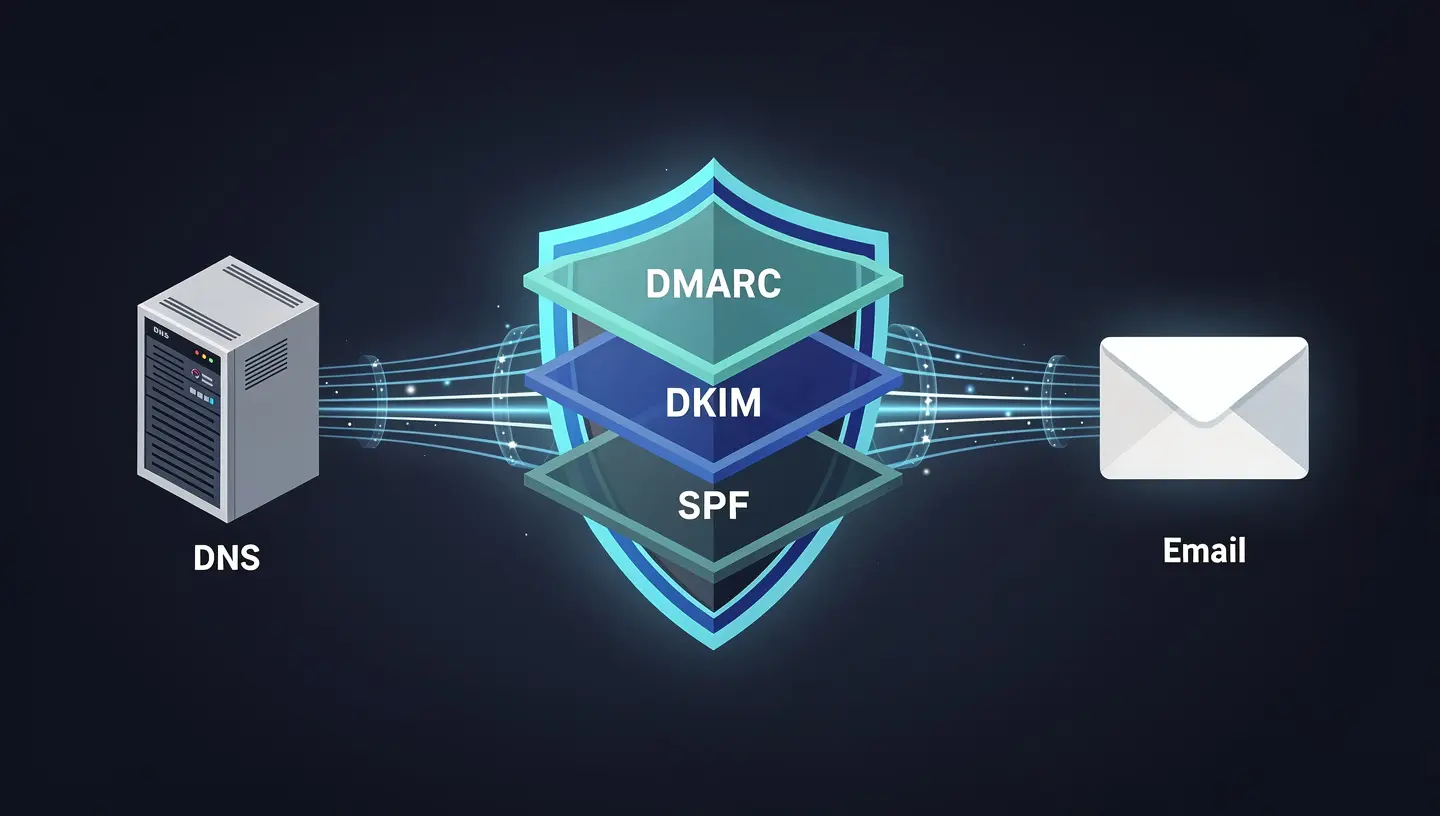
Layer 1 — SPF: Who Is Allowed to Send?
Sender Policy Framework (SPF) is a DNS TXT record that lists which mail servers are authorized to send email on behalf of your domain.
When a receiving server gets a message from yourcompany.com, it checks your DNS for an SPF record. If the sending server’s IP isn’t on the approved list, the message fails SPF.
A basic SPF record looks like this:
v=spf1 include:amazonses.com include:_spf.google.com ~all
This tells the world: “Only Amazon SES and Google are allowed to send mail for our domain. If something else shows up, treat it with suspicion (~all = softfail).”
Common SPF mistakes startups make:
- Forgetting to add a new email vendor (e.g., a new marketing tool) to the SPF record
- Using
+all(pass everything) — which defeats the purpose entirely - Exceeding 10 DNS lookups, which causes SPF to break silently
Layer 2 — DKIM: Is This Message Tampered With?
DomainKeys Identified Mail (DKIM) uses public/private key cryptography to sign outgoing messages. The private key lives on your mail server; the public key is published in your DNS.
When a receiving server gets a signed message, it retrieves your public key from DNS and verifies the signature. If the message was modified in transit — even a single character changed — the signature fails.
A DKIM DNS record looks like:
selector1._domainkey.yourcompany.com → "v=DKIM1; k=rsa; p=MIGfMA0GCSqGSIb..."
AWS SES users: SES can manage DKIM signing for you automatically using Easy DKIM — but you still need to add the three CNAME records SES provides to your DNS zone. This is one of the most commonly missed steps during SES onboarding.
Layer 3 — DMARC: What Happens When SPF or DKIM Fails?
Domain-based Message Authentication, Reporting & Conformance (DMARC) is the policy layer that ties SPF and DKIM together and tells receiving servers what to do when a message fails authentication.
A DMARC record looks like:
v=DMARC1; p=reject; rua=mailto:[email protected]; pct=100
The p= value is the key:
| Policy | What It Does |
|---|---|
p=none | Monitor only — log failures but deliver everything |
p=quarantine | Route failing messages to spam/junk |
p=reject | Block failing messages outright |
The right progression for startups: Start at p=none to collect data from DMARC reports. Review those reports for a few weeks. Once you’ve confirmed your legitimate mail passes, move to quarantine, then reject.
Most startups never get past p=none — which means the monitoring is on, but the protection isn’t. This is like installing a security camera and never watching the footage.
Auditing Your Current State in 5 Minutes
Before fixing anything, you need to know where you stand. A quick DNS audit will reveal your current SPF, DKIM, and DMARC records — or their absence.
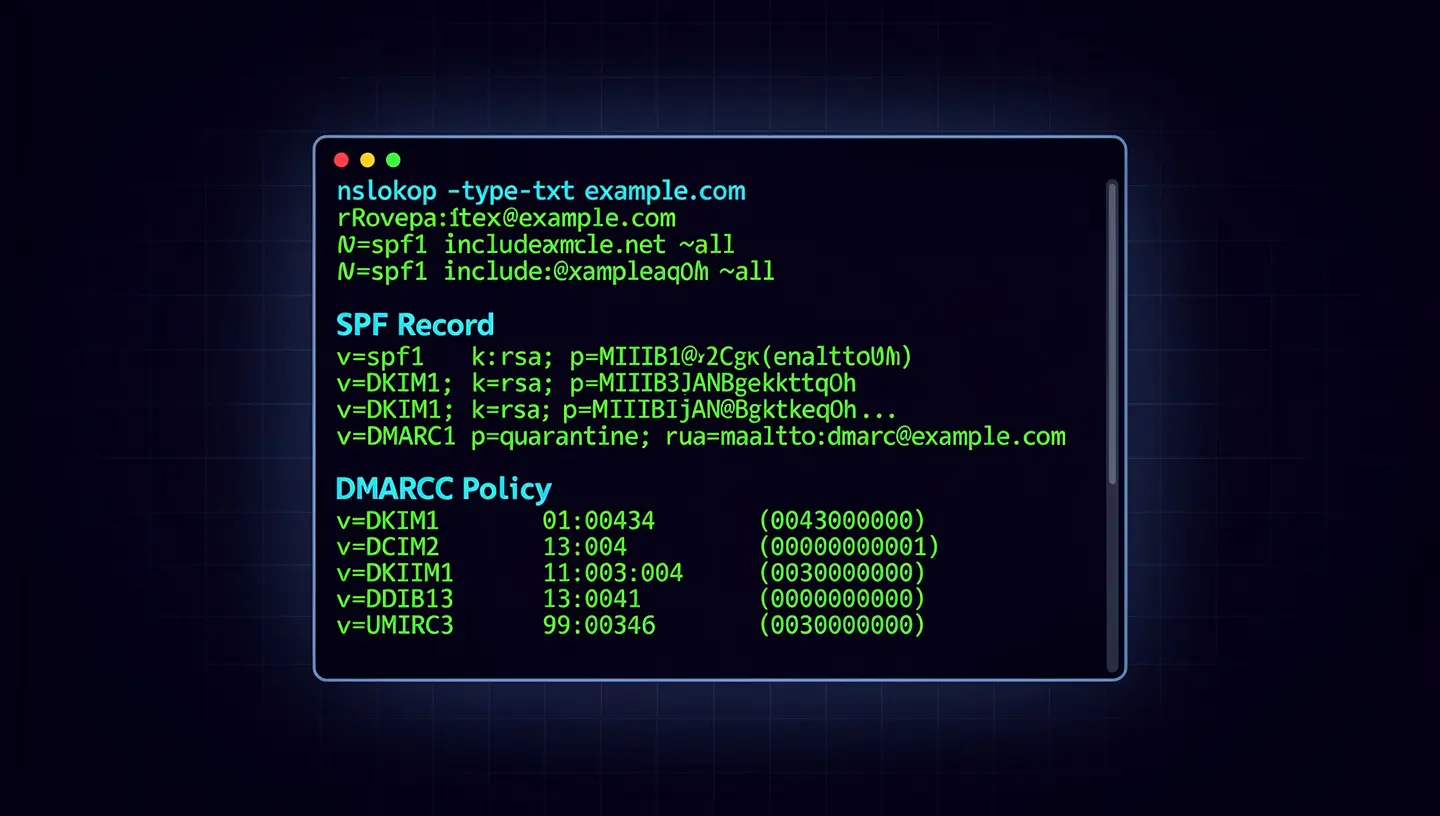
You can check manually using command-line tools:
# Check SPF
nslookup -type=TXT yourcompany.com

# Check DMARC
nslookup -type=TXT _dmarc.yourcompany.com

# Check DKIM (replace 'selector1' with your actual selector)
nslookup -type=TXT selector1._domainkey.yourcompany.com
For a more thorough, automated audit across all three layers — including AWS SES identity verification — I’ve published a free open-source toolkit on GitHub:
👉 Email Authentication Audit Toolkit
The toolkit includes:
- PowerShell scripts that validate SPF, DKIM, and DMARC records for any domain
- AWS SES audit script that checks domain verification and DKIM signing status across your SES identities
- Audit checklists for each protocol
- Step-by-step setup guides for SPF, DKIM, and DMARC
- SES domain migration runbooks for teams moving mail infrastructure
- A sample audit report template you can use with clients or internal stakeholders
Running the DNS check script is as simple as:
.\scripts\ns-email-record-check.ps1 -Domain yourcompany.com
Sample output:
[+] Checking yourcompany.com...

SPF Record   : v=spf1 include:amazonses.com ~all
SPF Result   : PASS

DKIM Selector: selector1._domainkey.yourcompany.com
DKIM Result  : PASS

DMARC Record : v=DMARC1; p=reject; rua=mailto:[email protected]
DMARC Result : PASS

[+] All authentication checks passed.
If you see FAIL or NOT FOUND on any of these, your domain is exposed.
AWS SES: The Hidden Complexity
Many Bay Area startups use Amazon SES for transactional email — product notifications, password resets, invoices. SES is cost-effective and scalable, but the authentication setup has several steps that are easy to get wrong.
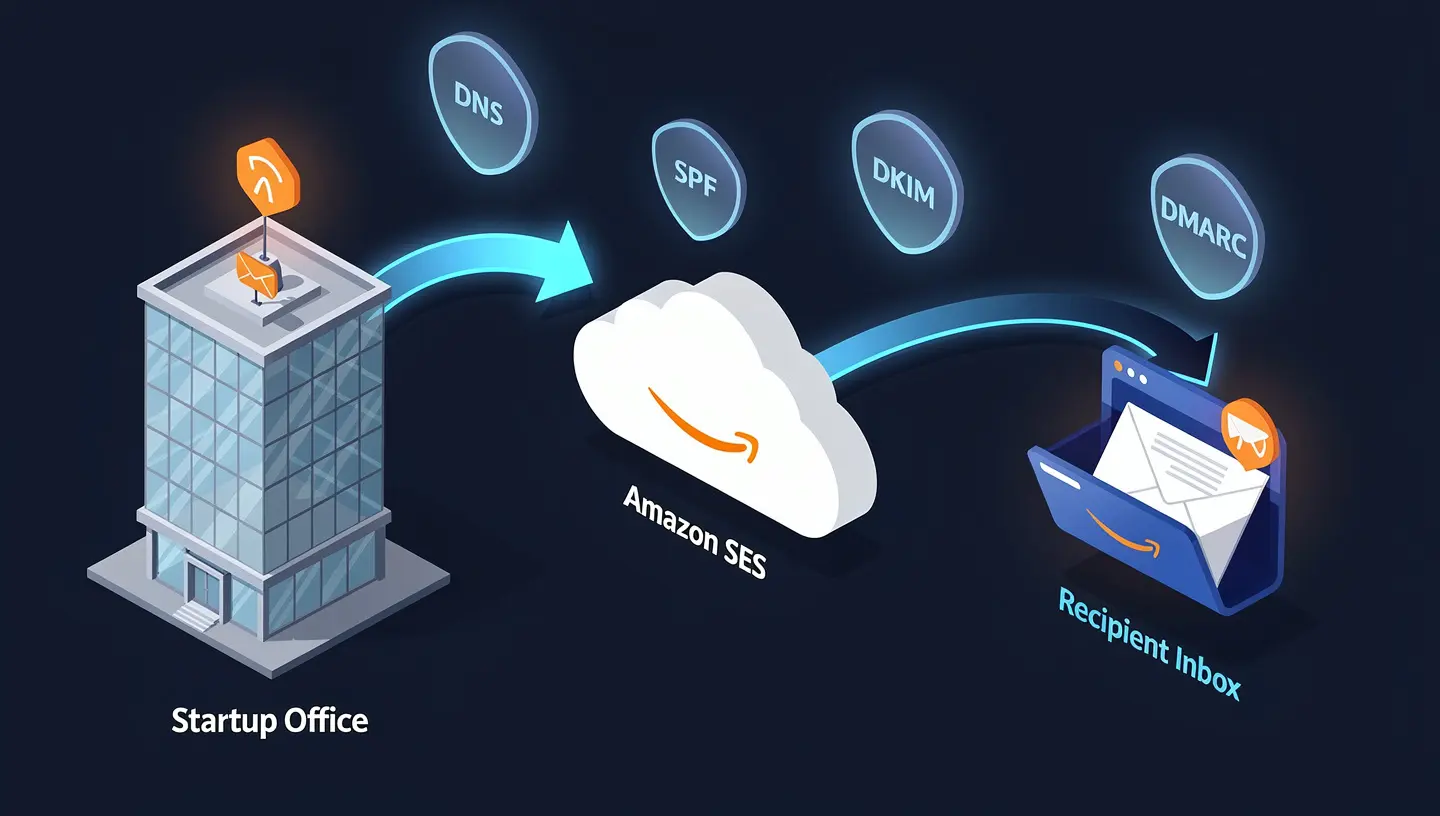
A complete SES authentication setup requires:
- Domain verification — Add a TXT record SES provides to prove you own the domain
- Easy DKIM — Add three CNAME records so SES can sign outgoing messages on your behalf
- SPF alignment — Ensure your SPF record includes
include:amazonses.com - DMARC enforcement — Add a DMARC record that references your verified domain
Many teams complete step 1 and stop there. The domain is “verified” in SES — but DKIM isn’t signing messages, and DMARC isn’t enforced, leaving the domain spoofable.
The ses-identity-audit.ps1 script in the toolkit checks all of your SES domain identities at once:
.\scripts\ses-identity-audit.ps1 -Profile default -Region us-east-1
It reports verification status and DKIM signing status for every domain in your SES account, making it easy to spot gaps across multiple environments.
What Full Enforcement Looks Like
Once SPF, DKIM, and DMARC are properly configured and you’ve moved to p=reject, here’s what the authentication flow looks like for every message your domain sends:
- Your mail server (or SES) signs the message with your DKIM private key
- The message is sent from an IP listed in your SPF record
- The receiving server checks SPF → PASS
- The receiving server retrieves your DKIM public key from DNS, validates the signature → PASS
- DMARC checks alignment: the “From” domain matches the SPF/DKIM authenticated domain → PASS
- Message is delivered to the inbox
If an attacker tries to spoof your domain:
- They don’t have your DKIM private key → DKIM FAIL
- They’re not on your SPF approved list → SPF FAIL
- DMARC sees both failures, applies
p=reject→ Message blocked
Your domain. Your identity. Protected.
How LineSight Digital Can Help
For many startups, the challenge isn’t understanding what needs to be done — it’s finding the time and expertise to do it correctly, and ensuring it stays correct as your infrastructure evolves (new email tools, domain migrations, SES region changes).
LineSight Digital provides managed IT and security services for Bay Area startups and small businesses, including:
- Email authentication audits using the toolkit above as a starting point
- SPF, DKIM, and DMARC configuration and enforcement for primary and subdomain senders
- AWS SES setup and ongoing management
- DMARC reporting analysis and ongoing monitoring
- Fractional IT Director services for teams that need strategic oversight without a full-time hire
If you’d like a no-obligation email authentication audit for your domain, reach out via the contact form or connect with me on LinkedIn.
Related Posts
- Is Your S3 Bucket Leaking Customer Data Right Now?
- Microsoft 365 Security Baselines Every Bay Area Startup Should Enable
- Why Bay Area Startups Need a Fractional IT Director
- Backup and Disaster Recovery for Startups (coming soon)
Suresh Chand is the Founder & Managing Consultant of LineSight Digital, an IT managed services and consulting firm serving startups and small businesses in the San Jose / Silicon Valley / Bay Area.